



The Desktop LLM Revolution Left Mobile Behind
perficient.com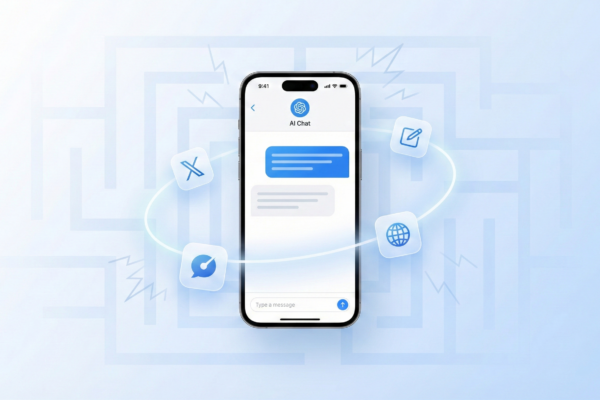
Large Language Models have fundamentally transformed how we work on desktop computers. From simple ChatGPT conversations to sophisticated coding assistants like Claude and Cursor, from image generation to CLI-based workflows—LLMs have become indispensable productivity tools.
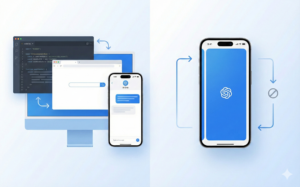
On my Mac, invoking Claude is a keyboard shortcut away. I can keep my code editor, browser, and AI assistant all visible simultaneously. The friction between thought and action approaches zero.
But on iPhone, that seamless experience crumbles.
The App-Switching Problem
iOS enforces a fundamental constraint: one app in the foreground at a time. This creates a cascade of friction every time you want to use an LLM:
- You’re browsing Twitter and encounter text you want translated
- You must leave Twitter (losing your scroll position)
- Find and open your LLM app
- Wait for it to load
- Type or paste your ...
Copyright of this story solely belongs to perficient.com . To see the full text click HERE